Control Panel
This guide explain how to package a mod using the Control Panel. This tool you can find it in the All On Board! ToolBar.

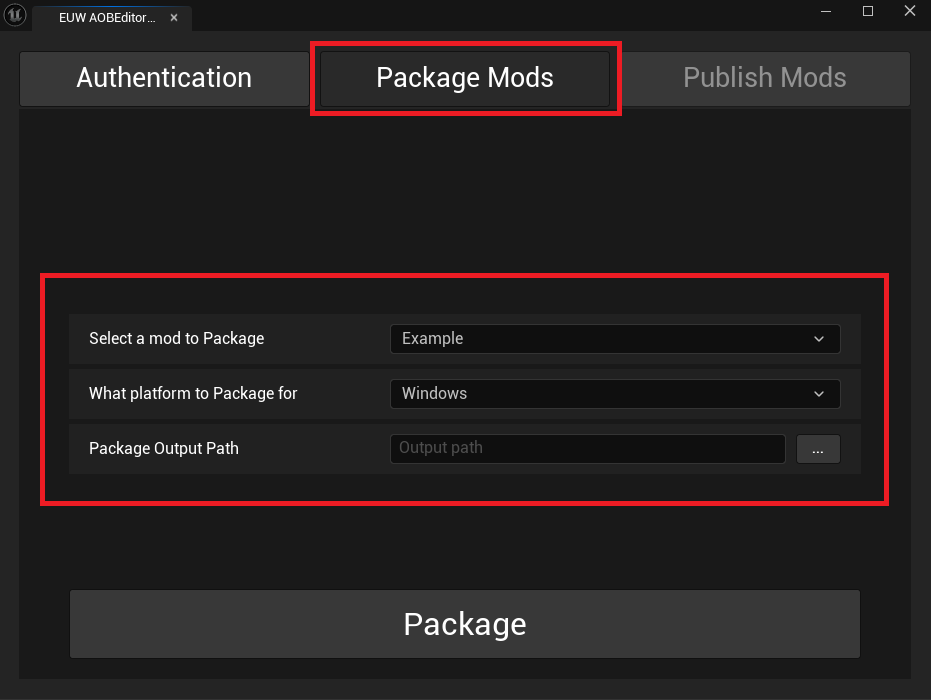
To package a mod, simply open the Control Panel, go to the Package Mods section, and fill in the following fields:
- Select a Mod to Package: Select the mod you want to package.
- What Platform to Package For: Select the platform you want to package your mod for: Windows or Android.
- Package Output Path: Select the path where you want the packaged mod to be saved.